Smart Home Lighting Setup: Easy Guide for Beginners
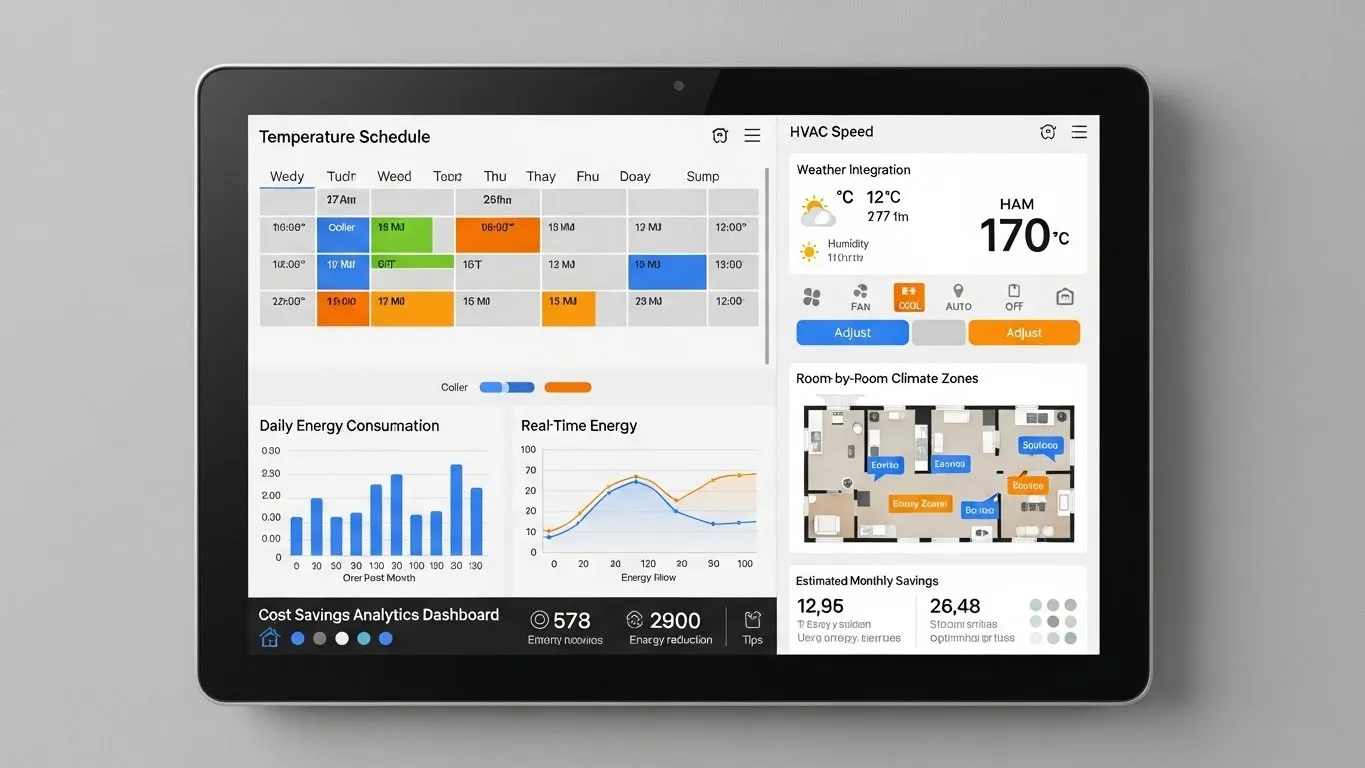
Embarking on a smart home lighting setup might seem daunting, but it's one of the most rewarding upgrades you can make to your living space. Imagine controlling your lights with your voice, scheduling them to turn on before you arrive home, or adjusting their color to match your mood. This easy guide for beginners will demystify the process, helping you transform your home with intelligent illumination. From understanding the basic components to seamless installation, we'll cover everything you need to know to create a personalized and energy-efficient lighting experience. Get ready to elevate your home's ambiance, convenience, and security with smart lighting.
Key Points for Your Smart Home Lighting Setup:
- Choose Your Components: Decide between smart bulbs, smart switches, or a combination based on your needs.
- Consider a Hub: Some systems require a hub for advanced features and better performance; others are Wi-Fi direct.
- Plan Your Ecosystem: Select a brand or platform that aligns with your existing smart devices and future goals.
- Installation is Simple: Most setups involve screwing in bulbs or basic switch wiring, followed by app configuration.
- Personalize and Automate: Create scenes, schedules, and integrate with voice assistants for ultimate convenience.
Why Embrace Smart Home Lighting?
The allure of smart home lighting extends far beyond mere convenience. A well-executed smart home lighting setup can dramatically enhance your daily life, offering a blend of comfort, efficiency, and security. Imagine waking up to lights that gradually brighten, mimicking the sunrise, or having your entryway lights illuminate automatically as you approach your door. These systems provide unparalleled control, allowing you to manage your home's ambiance from anywhere using a smartphone app or voice commands.
Beyond the "wow" factor, smart lighting contributes significantly to energy savings. Many smart bulbs are energy-efficient LEDs, and the ability to schedule lights, dim them precisely, or turn them off remotely means less wasted electricity. Furthermore, smart lighting can bolster your home's security. By scheduling lights to turn on and off while you're away, you can create the illusion of occupancy, deterring potential intruders. From my experience, the peace of mind offered by these features is invaluable, making the initial investment well worth it.
Essential Components for Your Smart Lighting Setup
Understanding the core components is crucial for building an effective smart lighting setup. The market offers a variety of options, each with its own advantages.
Smart Bulbs vs. Smart Switches
When starting your smart home lighting setup, one of the first decisions you'll face is whether to opt for smart bulbs or smart switches. Smart bulbs are individual light bulbs that connect directly to your smart home network, offering features like color changing, dimming, and scheduling. They are ideal for lamps or fixtures where you want individual control and advanced features. However, if the physical light switch is turned off, the smart bulb loses power and its smart capabilities.
Smart switches, on the other hand, replace your existing wall switches. They control the power to your traditional (non-smart) bulbs, making the entire fixture "smart." This is perfect for ceiling lights or groups of lights where you want to maintain wall control and don't need individual bulb features like color changes. A significant advantage is that they ensure your smart lighting system remains functional even if someone flips a physical switch.
The Role of a Smart Hub
While some smart lighting systems connect directly via Wi-Fi, many advanced smart lighting systems benefit from a dedicated smart hub. A hub acts as a central brain, connecting various smart devices (often using protocols like Zigbee or Z-Wave) and allowing them to communicate with each other and with your smartphone. Hubs typically offer greater reliability, faster response times, and extended range compared to Wi-Fi-only solutions, especially in larger homes.
For instance, Philips Hue, a popular smart lighting brand, uses a Bridge (their hub) to manage up to 50 lights, enabling complex scenes and integrations. While not always strictly necessary for a basic beginner smart lighting guide, a hub can unlock the full potential of your smart home ecosystem, providing a more robust and seamless experience.
Choosing Your Smart Lighting Ecosystem
The smart home market is diverse, with several major players offering their own ecosystems. Popular choices include Philips Hue, Lutron Caseta, Kasa Smart by TP-Link, and systems compatible with Amazon Alexa, Google Home, or Apple HomeKit. When selecting your ecosystem, consider compatibility with any existing smart devices you own and your preferred voice assistant.
Each ecosystem has its strengths. Philips Hue is renowned for its vibrant color bulbs and extensive third-party integrations. Lutron Caseta excels in reliable smart dimmers and switches, often favored for whole-home solutions. Kasa Smart offers affordable Wi-Fi direct options, simplifying the initial smart home lighting setup for budget-conscious beginners. Choosing an ecosystem that offers good support and a wide range of products will ensure scalability for future expansions.
Planning Your Easy Smart Home Lighting Installation
A little planning goes a long way in ensuring a smooth and easy smart home lighting installation. Rushing into purchases without considering your specific needs can lead to compatibility issues or unmet expectations.
Assess Your Needs
Before buying any devices, take a moment to assess what you want your smart lighting to achieve. Which rooms are a priority? Do you primarily want to dim lights, change colors, or simply schedule them? Consider the type of fixtures you have – are they standard screw-in bulbs, recessed lighting, or wall switches? This assessment will guide your choices between smart bulbs and switches, and help you identify specific features like motion sensing or adaptive lighting.
Compatibility Check
Ensuring compatibility is critical for a seamless smart home lighting setup. If you already have a smart speaker (like an Echo Dot or Google Nest Mini) or a smart home hub, check which lighting brands and protocols it supports. Some devices are "Matter-ready," meaning they adhere to the new Matter protocol, designed to improve interoperability across different smart home ecosystems. According to a 2024 smart home technology report by [Tech Insights Group], Matter adoption is rapidly increasing, simplifying future compatibility challenges. This is a significant trend to watch for.
Budgeting for Affordable Smart Lighting Solutions
Smart lighting solutions range from very affordable entry-level options to premium systems. Set a budget and prioritize the areas where smart lighting will have the biggest impact. You don't have to automate your entire home at once. Start with a single room or a few key fixtures, like your living room or bedroom, and expand gradually. Many brands offer starter kits that provide a cost-effective way to begin your smart home lighting setup journey. Look for sales and bundles to maximize your savings while building your system.
Step-by-Step Guide to Your Smart Lighting Setup
Once you've planned and purchased your components, the actual smart home lighting setup is surprisingly straightforward.
Installation of Smart Bulbs or Switches
For smart bulbs, installation is as simple as screwing them into your existing light sockets. Just ensure the power is off before handling any electrical components. For smart switches, the process involves replacing your traditional wall switch. While this typically requires basic electrical knowledge (turning off power at the breaker, connecting wires), it's a task many DIYers can handle. Always prioritize safety; if you're unsure, consult a qualified electrician.
Connecting to Your Smart Hub or Wi-Fi
After physical installation, the next step is connecting your devices to your smart home network.
- Wi-Fi Bulbs/Switches: Download the manufacturer's app, create an account, and follow the in-app instructions to connect each device to your home Wi-Fi network. This usually involves a simple pairing mode.
- Hub-Based Systems: Plug in your smart hub and connect it to your router (if wired). Then, open the hub's app and follow its instructions to "discover" and pair your smart bulbs or switches. This process is generally intuitive and guided.
Configuration and Personalization
This is where the