Smart Home Automation Setup: Beginner's Guide to IoT Devices
Smart Home Automation Setup: A Beginner's Guide to IoT Devices
Welcome to the exciting world of smart home automation! Setting up your first smart home can seem daunting, but with the right guidance, it's an incredibly rewarding experience that enhances convenience, security, and energy efficiency. This comprehensive beginner's guide will walk you through the essential steps for a successful smart home automation setup, focusing on practical advice for integrating various IoT devices. Whether you're looking to automate your lighting, control your thermostat, or secure your home, understanding the fundamentals is key. Get ready to transform your living space into a smarter, more responsive environment.
Key Points for Your Smart Home Journey:
- Start Small: Begin with a few key devices and expand gradually.
- Choose a Hub: A central hub often simplifies device management and automation.
- Prioritize Security: Implement strong passwords and network segmentation.
- Plan for Compatibility: Ensure devices work together within your chosen ecosystem.
- Embrace Voice Control: Integrate voice assistants for hands-free convenience.
Understanding the Basics of Smart Home Automation
Before diving into specific devices, it's crucial to grasp what smart home automation entails. At its core, it's about connecting various Internet of Things (IoT) devices in your home to work together, often autonomously, based on predefined rules or your commands. These devices communicate wirelessly, allowing you to control them remotely or have them react to environmental changes or schedules. The goal is to create a more efficient, comfortable, and secure living space.
Planning Your Smart Home Automation Setup
A successful smart home automation setup begins with careful planning. Don't just buy random devices; consider your needs, budget, and desired functionalities. Think about which areas of your home you want to automate first and what problems you're trying to solve. Are you aiming for energy savings, enhanced security, or pure convenience?
Identifying Your Smart Home Needs
Start by making a list of what you want your smart home to do. This could include automating lights, controlling heating and cooling, monitoring security, or managing entertainment systems. For instance, many beginners prioritize smart lighting and control systems due to their immediate impact on daily life and energy consumption. Consider specific scenarios like "lights on when I arrive home" or "thermostat adjusts when I leave."
Choosing Your Smart Home Ecosystem
One of the most critical decisions is selecting a smart home ecosystem. Major players like Amazon Alexa, Google Home, Apple HomeKit, and Samsung SmartThings offer different strengths. Your choice will influence device compatibility and user experience. It's often best to stick to one primary ecosystem to ensure seamless integration and avoid compatibility headaches. Researching each platform's strengths and weaknesses is a vital first step.
Essential IoT Devices for Beginners
For a beginner's smart home automation setup, focusing on a few core IoT devices provides the best starting point. These devices offer significant value and are relatively easy to install and configure.
Smart Lighting and Control Systems
Smart lighting is arguably the most popular entry point into home automation. Devices like Philips Hue or LIFX bulbs allow you to control brightness, color, and schedules from your phone or voice assistant. You can also integrate smart switches to control existing "dumb" lights. This category offers immediate benefits in ambiance and energy saving. For example, setting lights to dim automatically in the evening can create a relaxing atmosphere.
Smart Thermostats
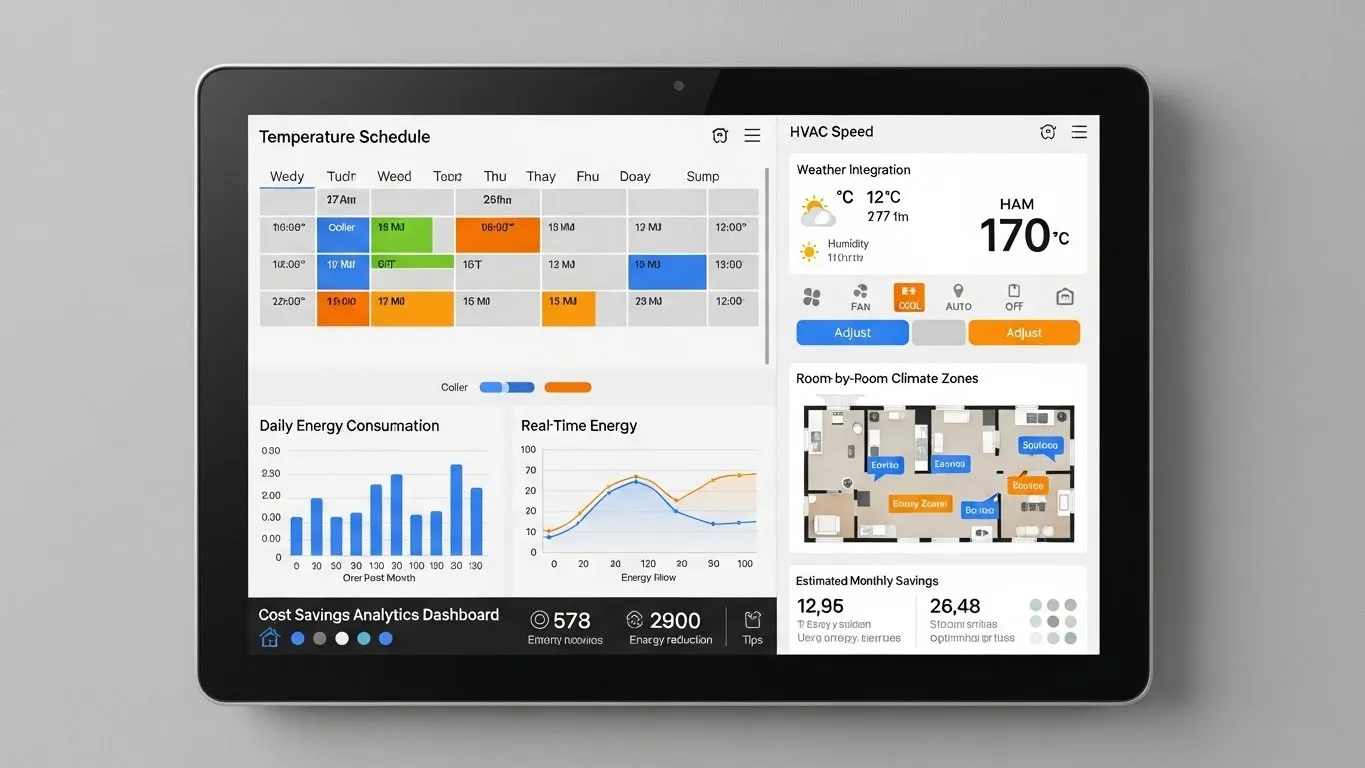
Devices such as Nest or Ecobee thermostats learn your preferences and adjust temperatures automatically, saving energy and ensuring comfort. They can be controlled remotely and integrate with other smart home devices to optimize heating and cooling based on occupancy or time of day. This is a prime example of how smart home devices contribute to long-term energy efficiency.
Smart Plugs
Inexpensive and versatile, smart plugs turn any ordinary appliance into a smart device. Plug in a lamp, coffee maker, or fan, and you can control it remotely or set schedules. They are excellent for testing the waters of automation without a significant investment. Many users find them invaluable for automating holiday lights or small kitchen appliances.
Security Devices: Cameras and Door Sensors
For enhanced security, consider smart cameras (e.g., Arlo, Ring) and door/window sensors. These provide real-time monitoring and alerts, giving you peace of mind. Integrating them into your smart home automation setup means you can trigger lights to turn on if a sensor detects motion, or receive notifications directly to your phone. Prioritizing security features is a smart move for any homeowner.
Setting Up Your Smart Home Network and Hub
A robust home network is the backbone of any smart home. Ensure you have a reliable Wi-Fi router capable of handling multiple connected devices. Many smart home setups also benefit from a central hub.
The Role of a Smart Home Hub
While some devices connect directly to Wi-Fi, a dedicated smart home hub (like SmartThings Hub or Hubitat) often provides more advanced automation capabilities and better device compatibility across different brands and communication protocols (e.g., Zigbee, Z-Wave). A hub acts as a central brain, allowing devices to communicate with each other even if your internet goes down. This centralized control simplifies management significantly.
Network Considerations for IoT Devices
Ensure your Wi-Fi network is secure with a strong password. For advanced users, creating a separate guest network or VLAN for your IoT devices can enhance security by isolating them from your main personal network. This practice, often recommended by cybersecurity experts, minimizes potential vulnerabilities. According to a 2024 report by Tech Insights, network segmentation is increasingly vital for IoT security as the number of connected devices grows.
Step-by-Step Installation and Configuration
Once you have your devices and a plan, the installation process typically involves these steps:
- Unbox and Power On: Follow manufacturer instructions to power on each device.
- Download App: Install the device's dedicated app on your smartphone.
- Connect to Wi-Fi/Hub: Use the app to connect the device to your home Wi-Fi or smart home hub.
- Firmware Updates: Always check for and install any available firmware updates immediately. This ensures optimal performance and security.
- Test Functionality: Verify that the device responds to commands from its app or your voice assistant.
Creating Your First Automations
The real magic of smart home automation lies in creating rules and routines. Most smart home apps allow you to set up "if this, then that" (IFTTT) scenarios.
- Simple Routines: "Turn on living room lights at sunset."
- Sensor-Based Automation: "If motion detected in hallway, turn on hallway light for 5 minutes."
- Voice Commands: "Alexa, good morning" to trigger lights, thermostat adjustment, and news briefing.
Experiment with different automations to find what works best for your lifestyle. For more advanced scenarios, readers can explore related articles on complex automation logic.
Differentiated Value: Future-Proofing and Privacy
Beyond basic setup, consider these two crucial aspects for a truly smart home.
Future-Proofing Your Smart Home
Technology evolves rapidly. When investing in a smart home automation setup, consider devices that support open standards or are part of a widely adopted ecosystem. Look for devices compatible with Matter, a new industry standard designed to improve interoperability across different brands and platforms. A 2025 whitepaper by the Connectivity Standards Alliance highlighted Matter's potential to significantly simplify future smart home expansions, ensuring your current investments remain relevant. This forward-thinking approach saves you from costly replacements down the line.
Prioritizing Privacy and Security
With more devices connected, privacy and security become paramount. Always use strong, unique passwords for all your smart home accounts. Enable two-factor authentication (2FA) wherever possible. Regularly review the privacy settings of your devices and apps, understanding what data they collect and how it's used. Consider brands with a strong reputation for security and transparent privacy policies. For instance, some security cameras offer local storage options, reducing reliance on cloud services.
Maintaining Your Smart Home System
A smart home isn't a "set it and forget it" system. Regular maintenance ensures optimal performance and security.
- Regular Software Updates: Keep all device firmware and app software up-to-date. These updates often include security patches and new features.
- Network Health Checks: Periodically check your Wi-Fi signal strength and network performance.
- Battery Replacements: For battery-powered sensors, keep an eye on battery levels and replace them promptly.
Frequently Asked Questions (FAQ)
Q: What is the best smart home ecosystem for beginners?
A: For beginners, Amazon Alexa and Google Home are often recommended due to their wide device compatibility, user-friendly interfaces, and extensive voice assistant capabilities. They offer a broad range of integrated services and devices, making it easier to find compatible products and get started with basic automations.
Q: Do I need a smart home hub, or can I just use Wi-Fi devices?
A: While many modern smart devices connect directly to Wi-Fi, a dedicated smart home hub can offer several advantages. Hubs often provide more reliable connections for certain protocols (like Zigbee or Z-Wave), enable local automation (working even without internet), and centralize control for a more complex smart home automation setup.
Q: How can I ensure the security of my smart home devices?
A: To secure your smart home, use strong, unique passwords for all accounts and enable two-factor authentication. Keep device firmware and apps updated, as these often include security patches. Consider isolating IoT devices on a separate network segment if your router supports it, and research brands with strong privacy and security reputations.
Q: Can smart home devices save me money on energy bills?
A: Yes, smart home devices, particularly smart thermostats and smart lighting, can significantly reduce energy consumption. Smart thermostats learn your habits and optimize heating/cooling, while smart lights can be scheduled, dimmed, or turned off remotely, preventing unnecessary energy use. Monitoring energy usage through smart plugs can also identify power-hungry appliances.
Conclusion: Embracing Your Smart Home Journey
Embarking on your smart home automation setup is an exciting journey that promises greater convenience, efficiency, and peace of mind. By starting small, planning your ecosystem, prioritizing security, and understanding the basics of IoT devices, you're well on your way to creating a truly intelligent living space. Remember that the goal is to make technology work for you, simplifying daily tasks and enhancing your quality of life.
We encourage you to share your smart home experiences and questions in the comments below! What was your first smart home device? What automation has made the biggest difference in your home? For those looking to delve deeper, consider exploring articles on advanced smart home security systems or integrating smart appliances into your existing setup.
**Tim