Smart Home Automation Setup: Beginner's Guide to IoT Devices
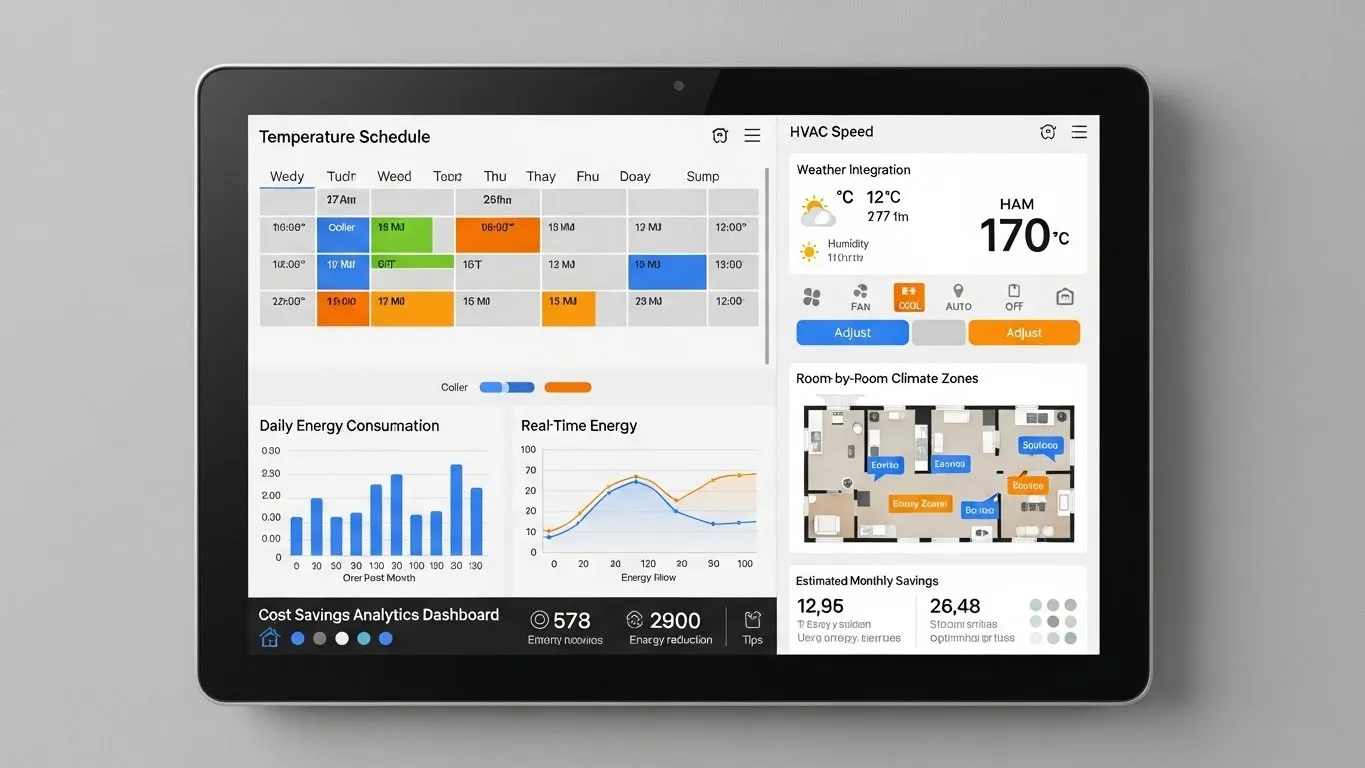
Smart Home Automation Setup: A Beginner's Guide to IoT Devices
Welcome to the exciting world of smart home automation! The idea of a home that anticipates your needs, saves energy, and enhances convenience might seem futuristic, but with the right smart home automation setup, it's more accessible than ever. This comprehensive beginner's guide will demystify the process of integrating Internet of Things (IoT) devices into your living space, transforming it into a truly intelligent environment. Whether you're looking to automate your lighting, secure your home, or simply make daily routines smoother, we'll walk you through the essential steps and considerations.
Key Points for Your Smart Home Journey:
- Start Small: Begin with a few key devices and expand gradually.
- Plan Ahead: Consider your needs, budget, and desired level of automation.
- Prioritize Compatibility: Ensure devices work together, ideally with a central hub.
- Focus on Security: Implement strong passwords and network best practices.
- Embrace Simplicity: Choose user-friendly devices and intuitive apps for a smooth experience.
Understanding the Basics of Smart Home Automation and IoT Devices
Before diving into specific devices, it's crucial to grasp what smart home automation setup entails. At its core, it's about connecting various electronic devices in your home to a central system, allowing them to communicate and perform tasks automatically or on command. These are often referred to as IoT (Internet of Things) devices because they connect to the internet, enabling remote control and data exchange.
The benefits are numerous: enhanced security, significant energy savings, unparalleled convenience, and even improved accessibility. From automatically adjusting thermostats to lights that dim as you settle in for the evening, a well-planned smart home can genuinely elevate your quality of life. Understanding the foundational concepts will empower you to make informed decisions as you build your connected ecosystem.
Planning Your Smart Home Automation Setup: Where to Begin
The most common mistake beginners make is buying random devices without a clear plan. A successful smart home automation setup starts with thoughtful planning. Consider what problems you want to solve or what conveniences you wish to add. Do you want to save energy, improve security, or simply make your mornings easier?
- Identify Your Needs and Goals: Think about your daily routines. Do you always forget to turn off lights? Are you concerned about package deliveries? Do you want to monitor your home while away? Pinpointing these needs will guide your device selection.
- Set a Budget: Smart home devices range widely in price. Determine how much you're willing to invest upfront and consider potential long-term savings, especially with energy-efficient devices.
- Choose a Starting Point: Many experts recommend beginning with smart lighting or a smart speaker. These are generally easy to install, offer immediate benefits, and provide a gentle introduction to the smart home ecosystem. For more information on smart lighting options, readers can explore related articles on smart lighting and control systems.
- Consider Your Home's Infrastructure: Do you have reliable Wi-Fi coverage throughout your home? Some devices might require specific wiring or a strong signal. A robust home network is the backbone of any effective smart home automation setup.
Essential IoT Devices for Beginners: Building Your Foundation
Once you have a plan, it's time to explore the core IoT devices for beginners that form the backbone of many smart homes. Focusing on these foundational categories will provide immediate value and a solid platform for future expansion.
Smart Lighting Systems
Smart lighting is often the gateway to home automation. Devices like smart bulbs and switches allow you to control lights remotely, set schedules, and even change colors. Brands like Philips Hue, Lutron, and TP-Link Kasa offer user-friendly options. In my experience, starting with a few smart bulbs in high-traffic areas provides a quick win and demonstrates the power of automation.
Smart Plugs
These inexpensive devices turn any "dumb" appliance into a smart one. Plug in a lamp, coffee maker, or fan, and control it with your voice or a smartphone app. They are incredibly versatile for automating small appliances and are a great entry point for those on a budget.
Smart Speakers and Voice Assistants
Devices like Amazon Echo (Alexa), Google Nest (Google Assistant), and Apple HomePod (Siri) serve as the central command center for many smart homes. They allow for voice control of your connected devices, play music, answer questions, and much more. Integrating a voice assistant significantly enhances the convenience of your smart home automation setup.
Smart Thermostats
A smart thermostat, such as those from Nest or Ecobee, learns your preferences and optimizes your home's heating and cooling. This not only provides comfort but can also lead to substantial energy savings. According to a 2024 report by GreenTech Insights, smart thermostats can reduce energy consumption for heating and cooling by up to 15-20% annually.
Security and Monitoring Devices
For peace of mind, consider smart doorbells (e.g., Ring, Arlo), smart locks (e.g., August, Yale), and indoor/outdoor security cameras. These devices allow you to monitor your home remotely, receive alerts, and even communicate with visitors. Learn more about securing your smart home in our dedicated security guide.
The Role of a Smart Home Hub and Interoperability
As you accumulate more devices, managing them all through separate apps can become cumbersome. This is where a smart home hub comes into play. A hub acts as a central brain, allowing different devices, often from various manufacturers, to communicate with each other and be controlled from a single interface.
- Why a Hub is Important: Hubs bridge different communication protocols (like Wi-Fi, Bluetooth, Zigbee, Z-Wave), creating a unified ecosystem. This is crucial for creating complex automation routines, such as having your smart lights turn on when a motion sensor detects movement.
- The Matter Standard: A significant recent development in smart home technology is the introduction of the Matter standard (published in late 2022, with increasing device adoption in 2023-2025). Matter aims to solve interoperability issues by providing a unified, open-source connectivity standard. Devices certified with Matter can seamlessly work together, regardless of brand, simplifying the smart home automation setup for beginners and experienced users alike. This trend is set to revolutionize how we approach smart home compatibility.
- Choosing a Hub: Popular options include Samsung SmartThings, Hubitat, and Apple HomeKit (via an Apple TV or HomePod). Your choice might depend on your preferred voice assistant ecosystem or the specific devices you already own.
Setting Up Your Smart Home: A Step-by-Step Approach
With your devices in hand, the actual smart home automation setup process can begin. Approaching it systematically will prevent frustration.
- Install Your Hub (if applicable): If you're using a hub, set it up first according to the manufacturer's instructions. Connect it to your home network.
- Connect Your Devices:
- Power On: Plug in or install your smart devices.
- Download Apps: Install the specific app for each device on your smartphone or tablet.
- Pairing: Follow the in-app instructions to pair each device with your Wi-Fi network or smart home hub. This usually involves a discovery mode or scanning a QR code.
- Configure and Customize:
- Naming: Give your devices clear, descriptive names (e.g., "Living Room Lamp," "Kitchen Light").
- Rooms: Assign devices to specific rooms for easier organization and voice control.
- Schedules: Set up basic schedules, like lights turning on at sunset or your thermostat adjusting before you arrive home.
- Create Automations and Routines: This is where the magic happens!
- Simple Routines: Start with basic "if this, then that" scenarios. For example, "If I say 'Good Morning,' then turn on kitchen lights and start coffee maker."