Integrating Smart Home Devices: Step-by-Step Guide
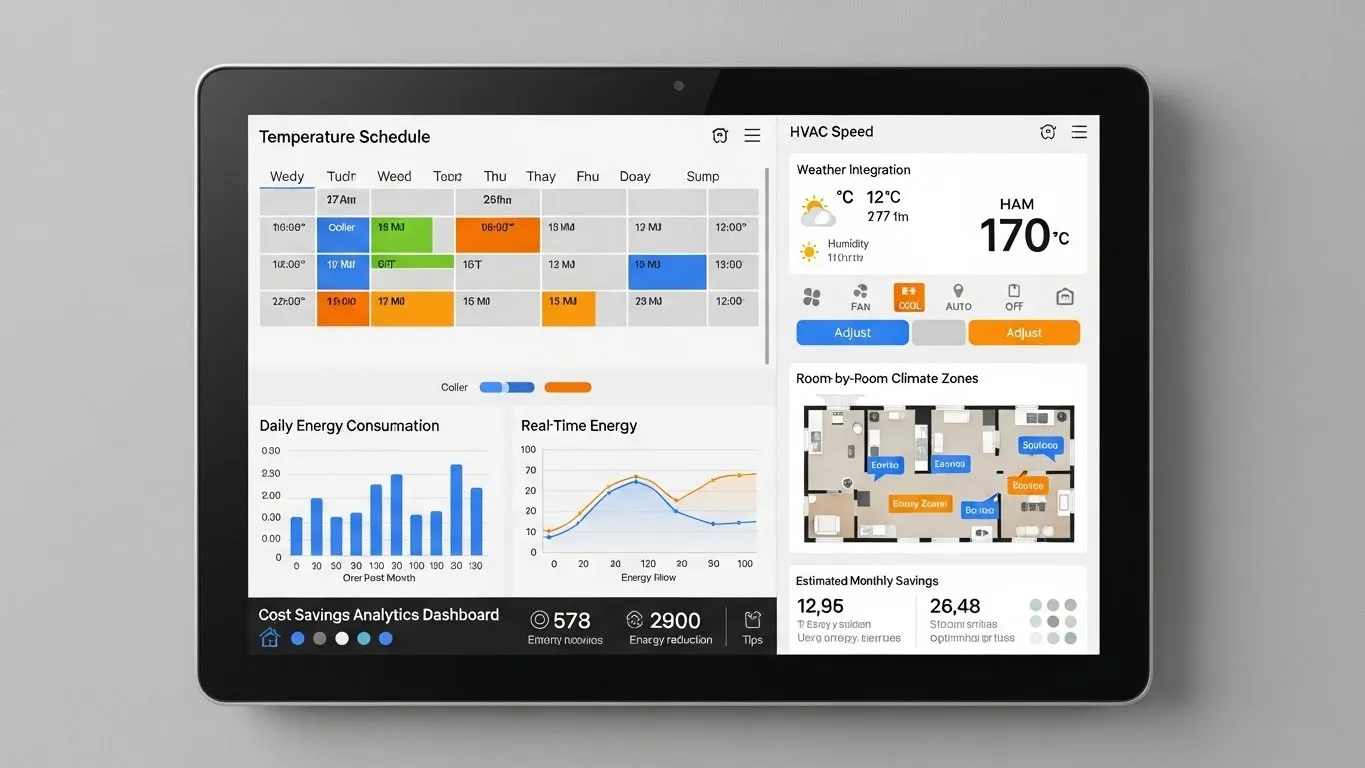
Integrating smart home devices can transform your living space into an intelligent, responsive environment. This comprehensive step-by-step guide will walk you through the process, from initial planning to advanced automation, ensuring a smooth and successful smart home integration. Whether you're a beginner or looking to expand an existing setup, understanding the nuances of device compatibility and system configuration is key to a truly efficient home automation setup. Prepare to unlock the full potential of your connected home, creating a personalized ecosystem that simplifies daily tasks and enhances comfort.
Key Points for Seamless Smart Home Integration:
- Strategic Planning: Define your needs and desired automations before purchasing.
- Hub Selection: Choose a central smart home hub that supports your chosen devices and protocols.
- Compatibility Check: Always verify device compatibility with your hub and other devices.
- Step-by-Step Setup: Follow a methodical approach for connecting and configuring each device.
- Automation & Routines: Design intelligent routines to make your smart home truly proactive.
Understanding Your Smart Home Ecosystem
Embarking on the journey of integrating smart home devices begins with a foundational understanding of the ecosystem. A smart home isn't just a collection of gadgets; it's a network of interconnected devices working in harmony. The goal is to create a seamless experience where devices communicate and respond to your commands or predefined conditions. This foundational knowledge is crucial for a successful smart home integration.
Why Integrate Smart Home Devices?
The benefits of a well-integrated smart home extend far beyond mere convenience. Imagine lights that adjust based on natural light, thermostats that learn your preferences, or security systems that arm themselves when you leave. Integrating smart home devices offers enhanced security, significant energy savings, and unparalleled comfort. It streamlines daily routines, giving you more time for what truly matters. From voice control to remote access, the possibilities for a personalized home automation setup are vast and exciting.
Common Smart Home Protocols and Standards
The backbone of any smart home ecosystem is its communication protocols. These are the languages devices use to talk to each other. Understanding them is vital for ensuring smart device compatibility.
- Wi-Fi: Widely used for high-bandwidth devices like cameras and smart TVs. It's convenient but can consume more power and clutter your network.
- Zigbee: A low-power, mesh networking standard ideal for sensors, lights, and switches. Devices can relay signals, extending range.
- Z-Wave: Similar to Zigbee, Z-Wave also uses a mesh network and is known for its reliability and security features. It operates on a different radio frequency, reducing interference with Wi-Fi.
- Bluetooth: Best for direct, short-range connections, often used for initial setup or personal devices like smart locks.
- Matter/Thread: The newest open-source standard aiming to unify smart home devices across brands and protocols. Matter runs over IP (Wi-Fi, Thread, Ethernet), promising greater interoperability and a simpler user experience. This emerging standard, as highlighted by industry experts at the Connectivity Standards Alliance in their 2025 roadmap, is set to revolutionize smart home integration.
Step-by-Step Guide to Integrating Smart Home Devices
Successfully integrating smart home devices requires a methodical approach. This guide provides a clear roadmap to help you build your ideal smart home ecosystem.
Step 1: Define Your Smart Home Goals
Before purchasing any devices, take time to envision your ideal smart home. What problems are you trying to solve? Do you want to save energy, enhance security, or simply add convenience? For example, you might aim for automated lighting in your living room, a smart thermostat for energy efficiency, or a comprehensive security system. Clearly defined goals will guide your choices and prevent unnecessary purchases, making your home automation setup more effective.
Step 2: Choose the Right Smart Home Hub
The smart home hub is the brain of your operation, centralizing control and enabling communication between disparate devices. Selecting the right hub is perhaps the most critical decision for integrating smart home devices.
- Consider Protocols: Ensure the hub supports the communication protocols (Zigbee, Z-Wave, Wi-Fi, Thread) of the devices you plan to use. Many modern hubs, like those supporting Matter, are designed for broader compatibility.
- Ecosystem Preference: Do you prefer Apple HomeKit, Google Home, Amazon Alexa, or a more open platform like Home Assistant? Your choice impacts the user interface and available integrations.
- Scalability: Choose a hub that can grow with your needs. A 2024 market analysis by IoT Insights indicated that hubs with multi-protocol support saw a 30% increase in user satisfaction due to future-proofing.
- User Interface: Opt for a hub with an intuitive app or control panel that you find easy to navigate. For more information on this topic, readers can explore related articles on smart home hub reviews.
Step 3: Check Device Compatibility
Once you have a hub, verifying smart device compatibility is paramount. Not all devices work with all hubs, even if they share a protocol. Always check the manufacturer's specifications and the hub's compatibility list before buying. Look for "Works with [Your Hub/Ecosystem]" labels. This step prevents frustration and ensures a smooth integrating smart home devices experience.
Step 4: Initial Device Setup and Connection
This is where you physically connect your devices. The process typically involves:
- Powering On: Plug in or install your smart device according to its instructions.
- App Installation: Download the device's native app if required.
- Pairing Mode: Put the device into pairing or discovery mode.
- Hub Connection: Use your smart home hub's app to search for and add the new device. Follow the on-screen prompts.
- Naming & Location: Assign a clear name and location (e.g., "Living Room Lamp," "Kitchen Thermostat") to each device for easy identification and voice control.
Step 5: Configure Automations and Routines
This is where the magic of integrating smart home devices truly shines. Automations allow devices to react to triggers without manual input.
- Basic Automations: Set up simple rules like "Turn on living room lights at sunset."
- Scene Creation: Group multiple actions into a single command, e.g., a "Movie Night" scene that dims lights, closes blinds, and turns on the TV.
- Advanced Routines: Leverage sensors for more intelligent actions. For example, a motion sensor could trigger lights when you enter a room, or a door sensor could alert you if a door is left open. You could even create a "Good Morning" routine that slowly brightens lights, starts the coffee maker, and plays your favorite news podcast. This level of personalized control is a hallmark of a sophisticated smart home ecosystem.
Step 6: Test and Refine Your Integrations
After setting up devices and automations, thorough testing is essential. Manually trigger scenes, activate routines, and check if all devices respond as expected. Troubleshoot any issues immediately. Over time, you'll likely discover ways to refine your automations, making them more efficient and tailored to your evolving lifestyle. Don't be afraid to experiment and adjust settings to optimize your home automation setup.
Overcoming Common Smart Home Integration Challenges
Even with careful planning, you might encounter hurdles when integrating smart home devices. Common issues include connectivity problems, device unrespons