Beginner's Guide to Building Your Smart Home Ecosystem
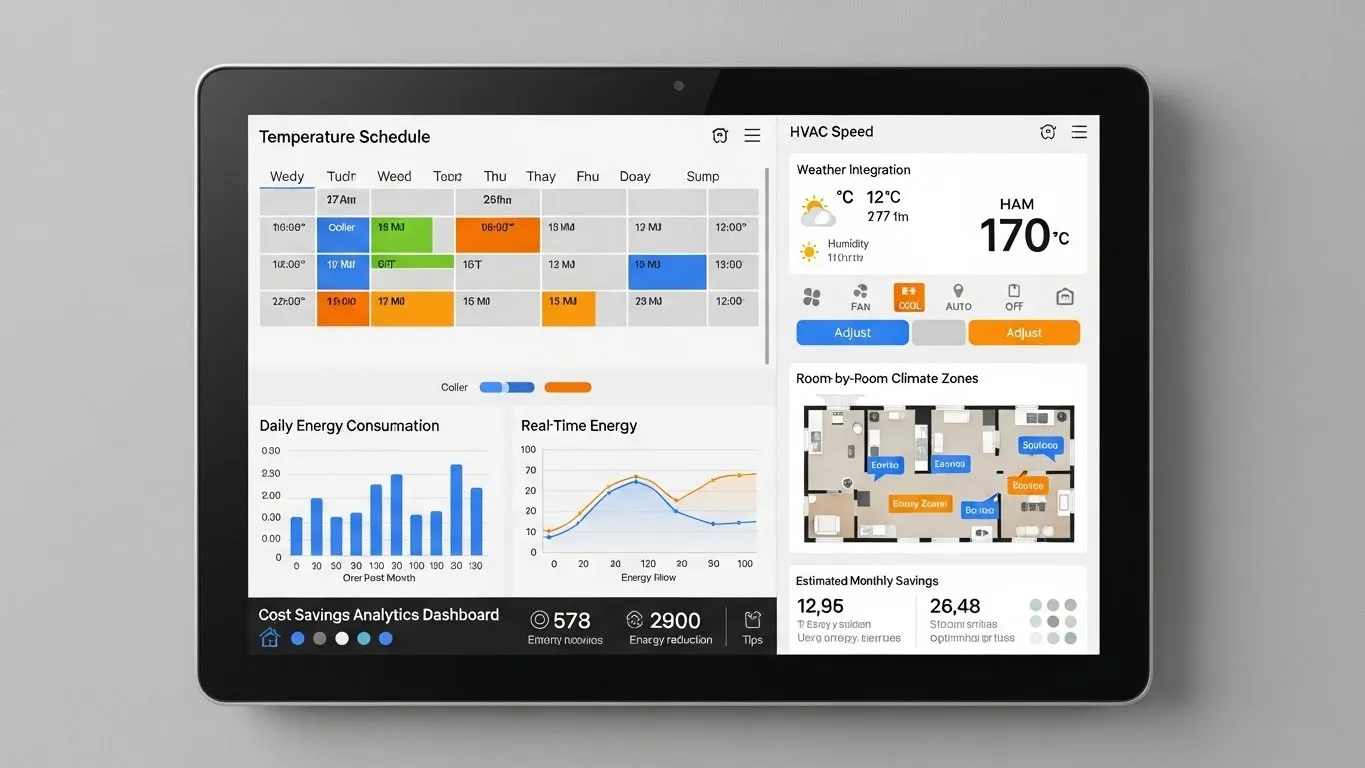
Beginner's Guide to Building Your Smart Home Ecosystem
Embarking on the journey to create a smart home ecosystem can seem daunting, but it's an incredibly rewarding endeavor that transforms your living space into an intuitive, automated haven. This beginner's guide to building your smart home ecosystem will walk you through the fundamental steps, helping you understand the core components, choose the right devices, and set up a seamless, interconnected environment. Imagine lights that adjust to your mood, thermostats that learn your preferences, and security systems that keep you informed—all working together effortlessly. Building a smart home is about enhancing convenience, boosting energy efficiency, and providing peace of mind.
Key Points for Your Smart Home Journey:
- Start Small: Begin with a few essential devices and expand gradually.
- Choose a Hub: Select a central controller for seamless device communication.
- Prioritize Needs: Identify what aspects of your home you want to automate first.
- Consider Compatibility: Ensure devices work together within your chosen ecosystem.
- Focus on Security: Implement robust measures to protect your smart home network.
Understanding the Core of Your Smart Home Ecosystem
At its heart, a smart home ecosystem is a network of interconnected devices that can communicate with each other and be controlled remotely or automatically. This interconnectedness is what truly differentiates a collection of smart gadgets from a cohesive system. The primary goal is to create a living environment that anticipates your needs and responds intelligently, making daily life simpler and more efficient. From my experience, the most successful smart homes are those built on a solid foundation of understanding how these components interact.
Essential Components of a Smart Home Setup
To effectively build your smart home ecosystem, it's crucial to recognize the key players. These components work in harmony to bring your automated vision to life.
- Smart Hub or Controller: This is the brain of your smart home. Devices like Amazon Echo, Google Nest Hub, Apple HomePod Mini, or dedicated smart home hubs (e.g., SmartThings, Hubitat) act as central points for communication and control. They allow devices from different manufacturers to often speak the same language.
- Connectivity Protocols: Devices communicate using various wireless technologies.
- Wi-Fi: Common for many smart devices, easy to set up, but can consume bandwidth.
- Bluetooth: Ideal for short-range connections, often used for initial setup or direct device control.
- Zigbee/Z-Wave: Low-power mesh networks specifically designed for smart home devices, offering greater range and reliability for larger systems.
- Thread: A newer IP-based mesh networking protocol gaining traction, offering robust and secure connections.
- Smart Devices: These are the individual gadgets that perform specific functions. Examples include:
- Smart lighting: Bulbs, switches, and strips that change brightness and color.
- Smart thermostats: Devices that learn your heating/cooling preferences and optimize energy use.
- Smart security cameras: For monitoring your home remotely.
- Smart locks: Keyless entry and remote access control.
- Smart plugs: To make any traditional appliance "smart."
- Voice assistants: Integrated into hubs or standalone speakers for hands-free control.
Planning Your Smart Home Journey: Getting Started with Smart Home Automation
Before diving into purchases, a little planning goes a long way. This initial phase is critical for a successful and scalable smart home setup. Consider your lifestyle, budget, and what problems you want your smart home to solve. Are you looking for enhanced security, energy savings, convenience, or all three?
Defining Your Smart Home Goals
Start by identifying your primary motivations. This will help you prioritize which devices to acquire first.
- Security: Do you want to monitor your home, receive alerts, or control access remotely? Focus on smart cameras, door/window sensors, and smart locks.
- Convenience: Are you tired of manually adjusting lights or thermostats? Smart lighting, smart plugs, and voice assistants are excellent starting points.
- Energy Efficiency: Looking to reduce utility bills? Smart thermostats, smart blinds, and energy monitoring plugs can make a significant impact.
- Accessibility: Smart home technology can greatly assist individuals with mobility challenges through voice control and automated routines.
Choosing Your Smart Home Platform and Interoperability
One of the most crucial decisions is selecting a primary smart home platform. This often dictates which devices will work best together. Major platforms include:
- Amazon Alexa: A vast ecosystem with many compatible devices and strong voice control.
- Google Home/Assistant: Excellent integration with Android devices and Google services, robust voice capabilities.
- Apple HomeKit: Known for its strong privacy features and seamless integration with Apple devices.
- Samsung SmartThings: A more open platform supporting a wide range of Zigbee, Z-Wave, and Wi-Fi devices.
Differentiated Insight: While choosing a platform is important, a growing trend is the emphasis on interoperability standards like Matter. Matter, launched in late 2022 and gaining significant traction through 2024-2025, aims to unify smart home devices across different ecosystems. This means a Matter-certified device should work seamlessly with any Matter-certified controller, regardless of brand. When purchasing new devices, prioritizing Matter compatibility can future-proof your connected home and reduce reliance on a single brand's ecosystem, offering unparalleled flexibility. Industry reports from the Connectivity Standards Alliance (CSA) in 2024 highlight Matter's rapid adoption as a key driver for consumer confidence and ecosystem expansion.
Building Your Smart Home: Device Selection and Installation
With your goals and platform in mind, it's time to select and install your devices. Remember to start small and expand as you become more comfortable.
Recommended Starter Smart Home Devices
For a beginner, these devices offer a great entry point into home automation:
- Smart Speaker with Voice Assistant: An Amazon Echo Dot or Google Nest Mini provides voice control and acts as a basic hub for many Wi-Fi devices.
- Smart Plugs: Inexpensive and versatile, they turn any "dumb" appliance (like a lamp or coffee maker) into a smart one, controllable via app or voice.
- Smart Bulbs: Easy to install, they offer immediate convenience with remote control, scheduling, and mood lighting.
- Smart Thermostat: Devices like the Ecobee or Nest Learning Thermostat offer significant energy savings and intelligent climate control.
Installation and Configuration Tips
- Read the Manual: Always start by reading the manufacturer's instructions for each device.
- Download Apps: Most smart devices require a dedicated app for initial setup and control.
- Strong Wi-Fi: Ensure your home Wi-Fi network is robust enough to handle multiple connected devices. Consider a mesh Wi-Fi system for larger homes.
- Firmware Updates: Regularly update device firmware to ensure optimal performance, security, and compatibility.
- Naming Conventions: Use clear and consistent names for your devices (e.g., "Living Room Lamp," "Kitchen Lights") for easier voice control.
Advanced Smart Home Features and Automation Routines
Once you have your basic smart home ecosystem established, you can begin to explore more advanced features and create powerful automation routines. This is where the true magic of a smart home technology comes alive.
Creating Smart Scenes and Routines
Automation routines, often called "scenes" or "automations," allow multiple devices to act in concert based on triggers.
- "Good Morning" Scene: Lights gradually turn on, smart blinds open, and your coffee maker starts brewing at a set time.
- "Away" Routine: When you leave the house (triggered by geofencing or a smart lock), lights turn off, the thermostat adjusts, and security cameras activate.
- "Movie Night" Scene: Dim the lights, close the blinds, and turn on the TV with a single command.
Differentiated Insight: The integration of AI and machine learning is rapidly advancing the capabilities of smart home automation. Beyond simple "if-then" routines, newer systems leverage AI to learn your habits and preferences over time, proactively adjusting your environment. For example, a smart thermostat might learn not just your preferred temperature but also how long it takes to reach that temperature given external weather conditions, optimizing heating/cooling cycles for both comfort and energy savings. Furthermore, AI-powered security cameras are becoming adept at differentiating between pets, people, and packages, reducing false alerts. A 2023 report by TechInsights noted a 45% increase in AI processing capabilities within smart home hub devices compared to the previous year, indicating a significant shift towards more intelligent, adaptive homes.
Security and Privacy in Your Connected Home
As your smart home grows, so does the importance of security and privacy.
- Strong Passwords: Use unique, complex passwords for all smart home accounts.
- Two-Factor Authentication (2FA): Enable 2FA wherever possible for an extra layer of security.
- Guest Networks: Consider setting up a separate Wi-Fi network for your smart devices to isolate them from your main network.
- Regular Audits: Periodically review device permissions and data collection settings.
- Reputable Brands: Stick to well-known brands that have a track record of prioritizing security updates and customer privacy.
For deeper insights into smart home security, readers can explore related articles on advanced surveillance systems and network protection strategies.